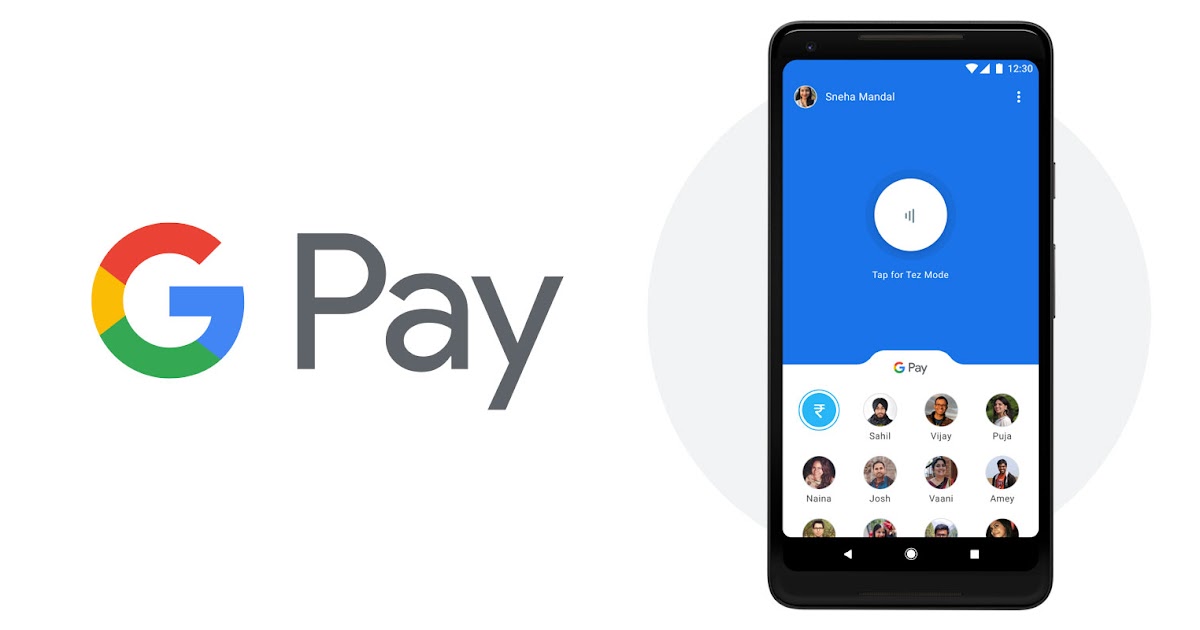

The autopay feature on Google Pay is a highly convenient way to set up payments for yourself, including subscriptions, EMIs, and other payments. However, sometimes you may want to cancel an autopay mandate. It could be to cancel a subscription that you no longer wish to pay for or simply to gain more control over your expenses. Here, we’ll guide you through a few easy steps on how you can disable autopay on Google Pay in India.
How to Disable Autopay on Google Pay in 4 Steps
- Open Google Pay – Tap your profile icon (top right) and scroll to “Autopay.”
- Select Mandate – Under the “Live” tab, choose the autopay mandate you want to cancel.
- Cancel Autopay – Tap “Cancel autopay” for the selected mandate.
- Confirm & Authorize – Follow on-screen instructions and enter your UPI PIN to complete.
That’s it! Your autopay mandate will now be successfully removed from Google Pay.
How to Resubscribe to an Autopay Mandate
To subscribe again, visit the product or service page where you originally set up autopay. For example, if you canceled a Netflix autopay mandate, re-enter your UPI ID as a payment method on Netflix. Generate the request, then approve the autopay mandate in Google Pay.
Keep up with us on social media to see our exclusive videos, read the newest news that is trending, and participate in our lively community!